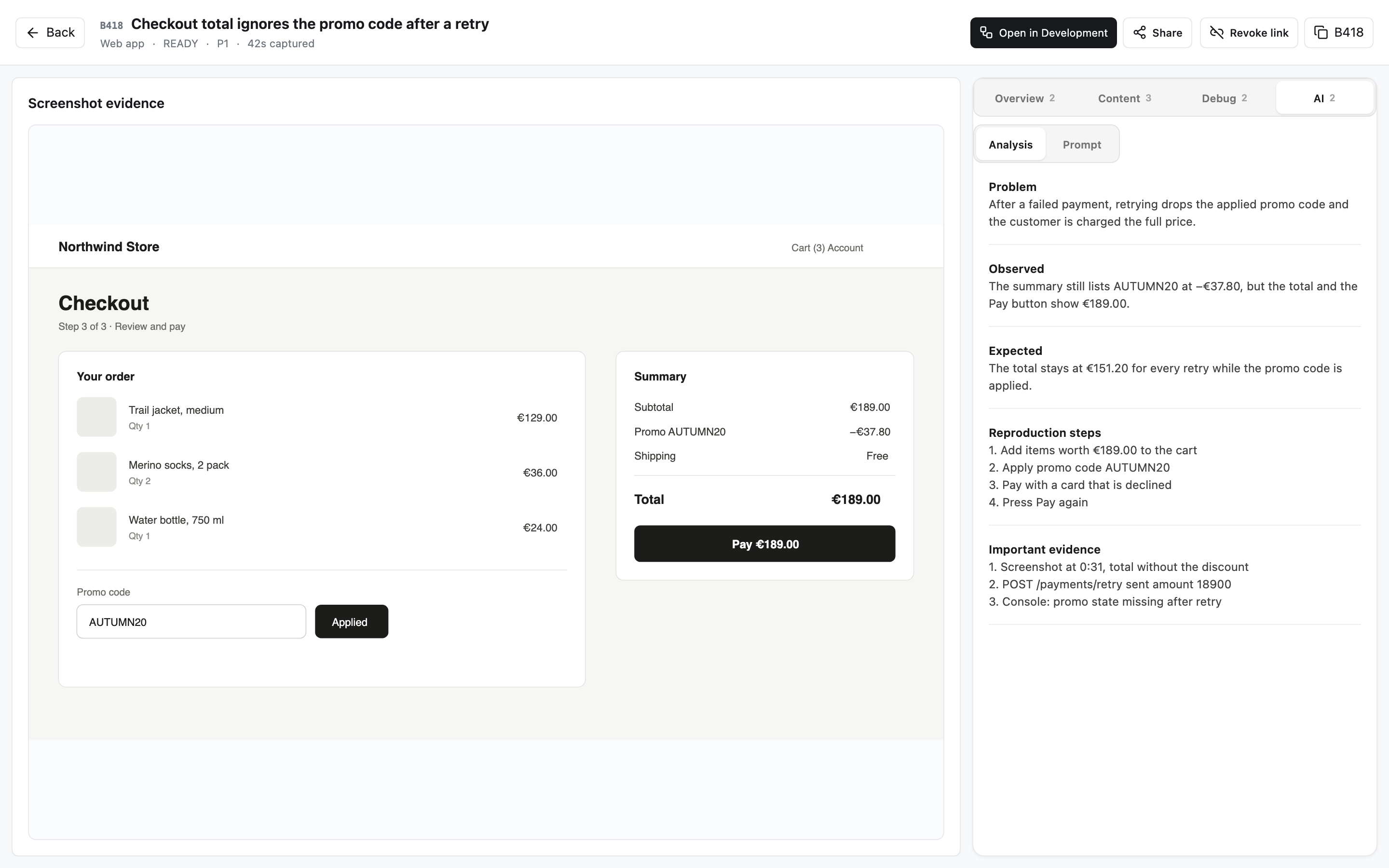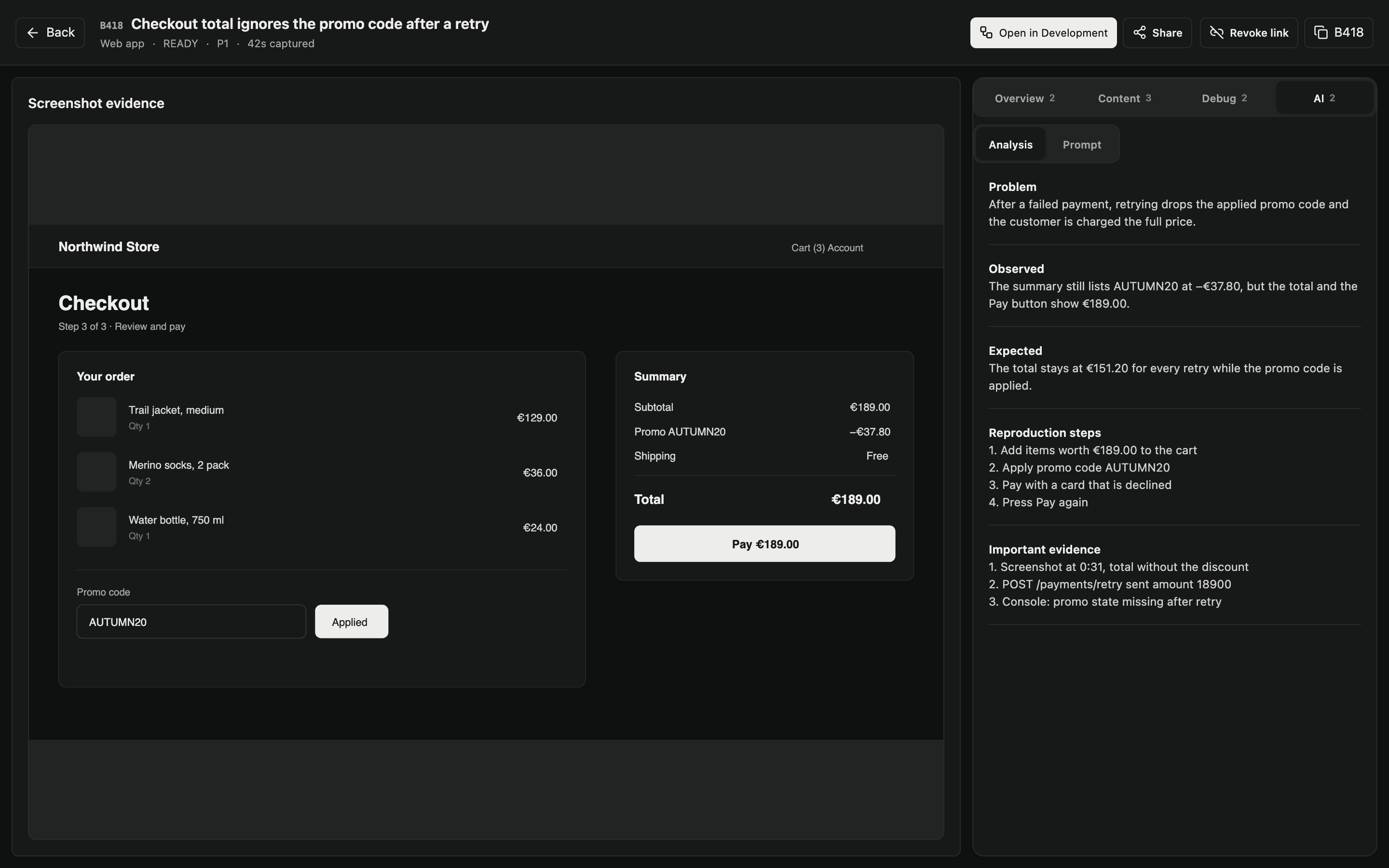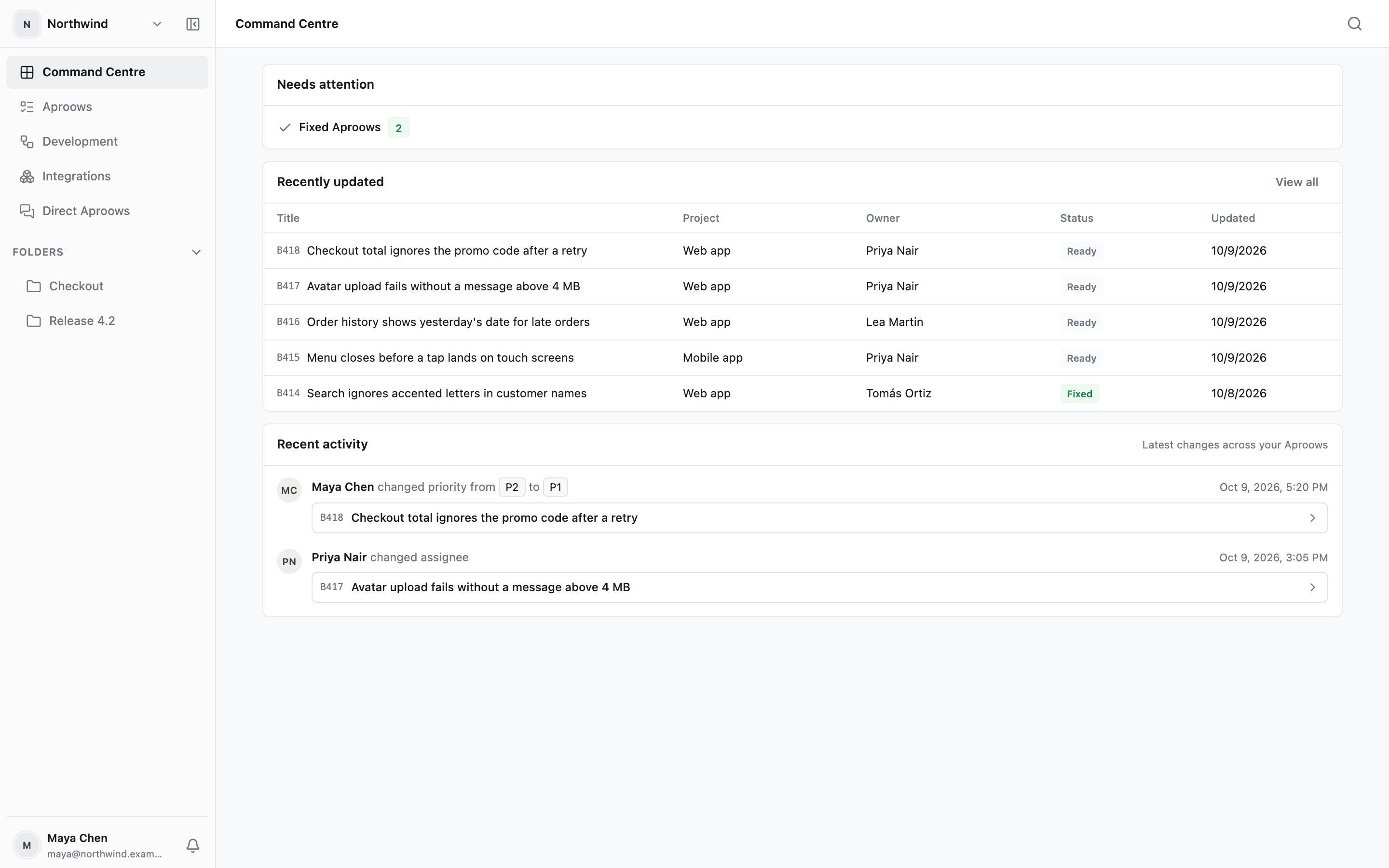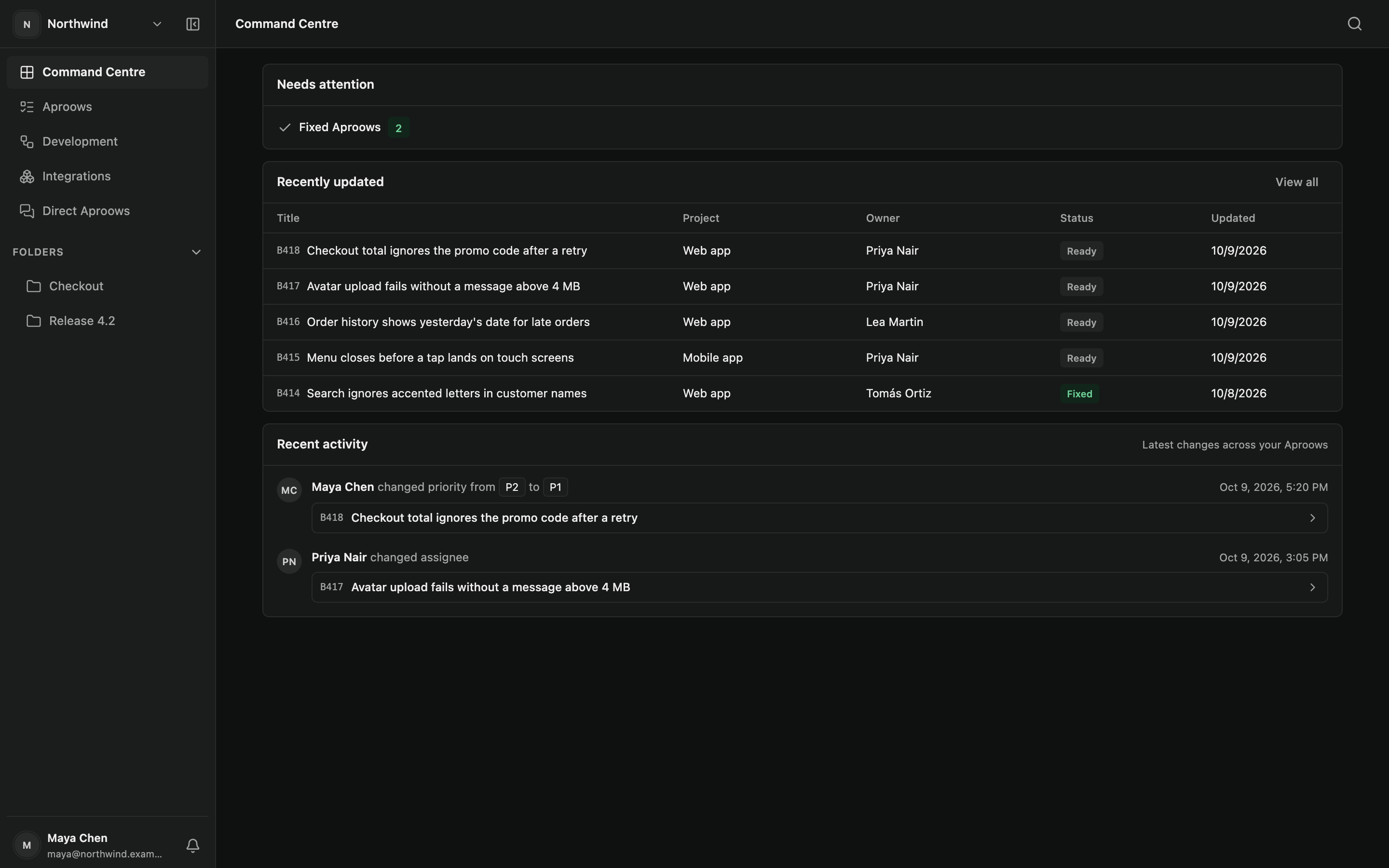

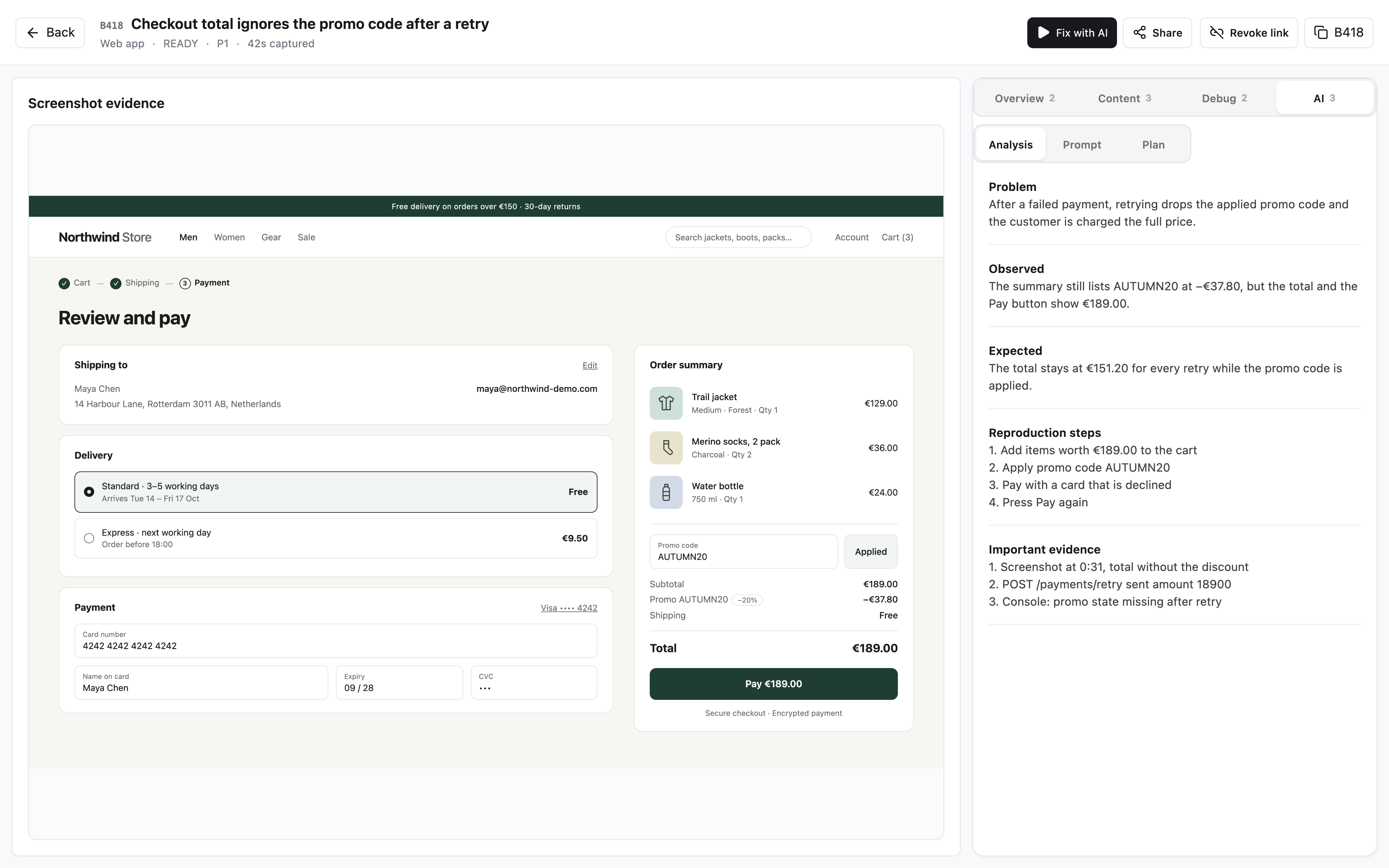
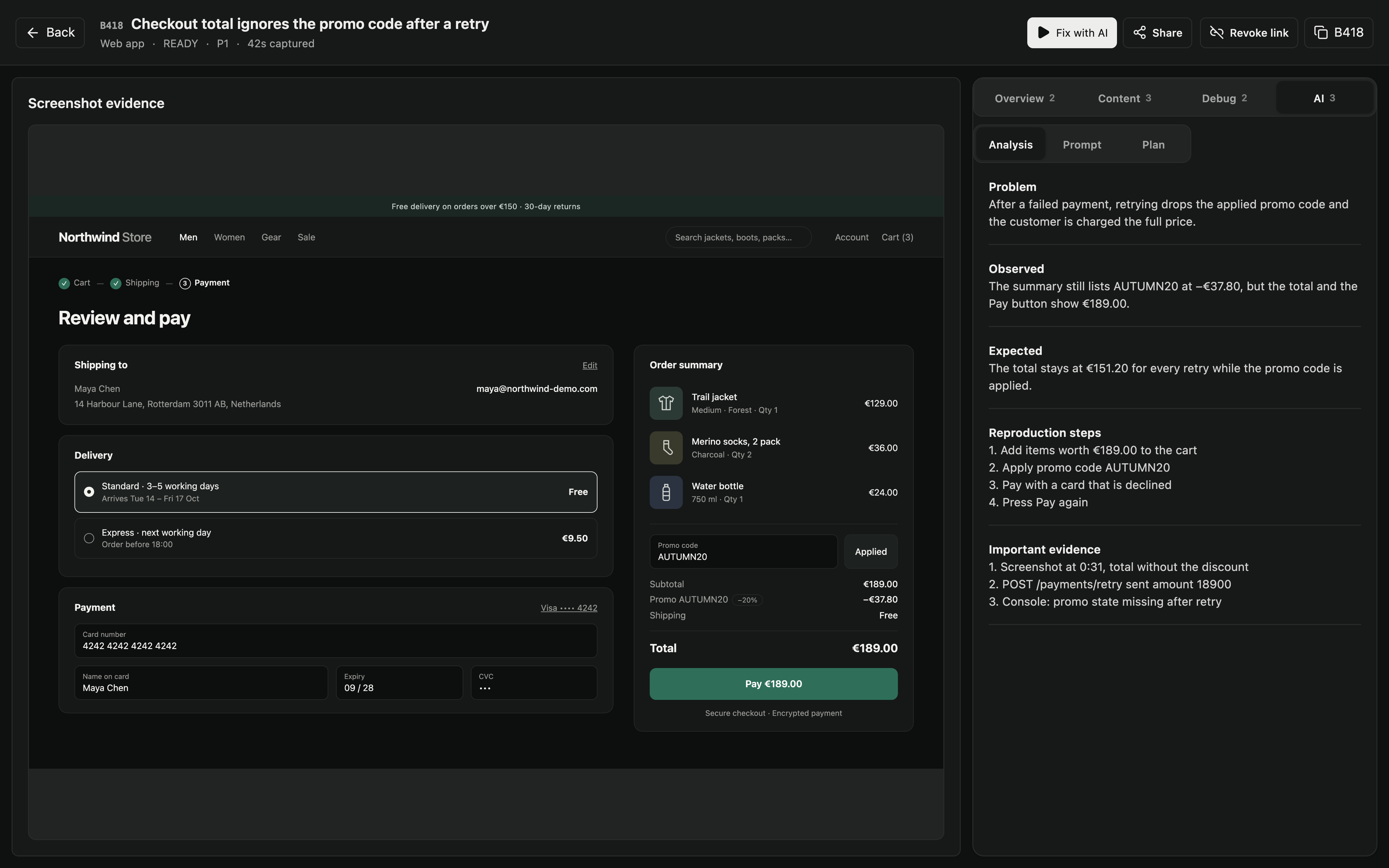
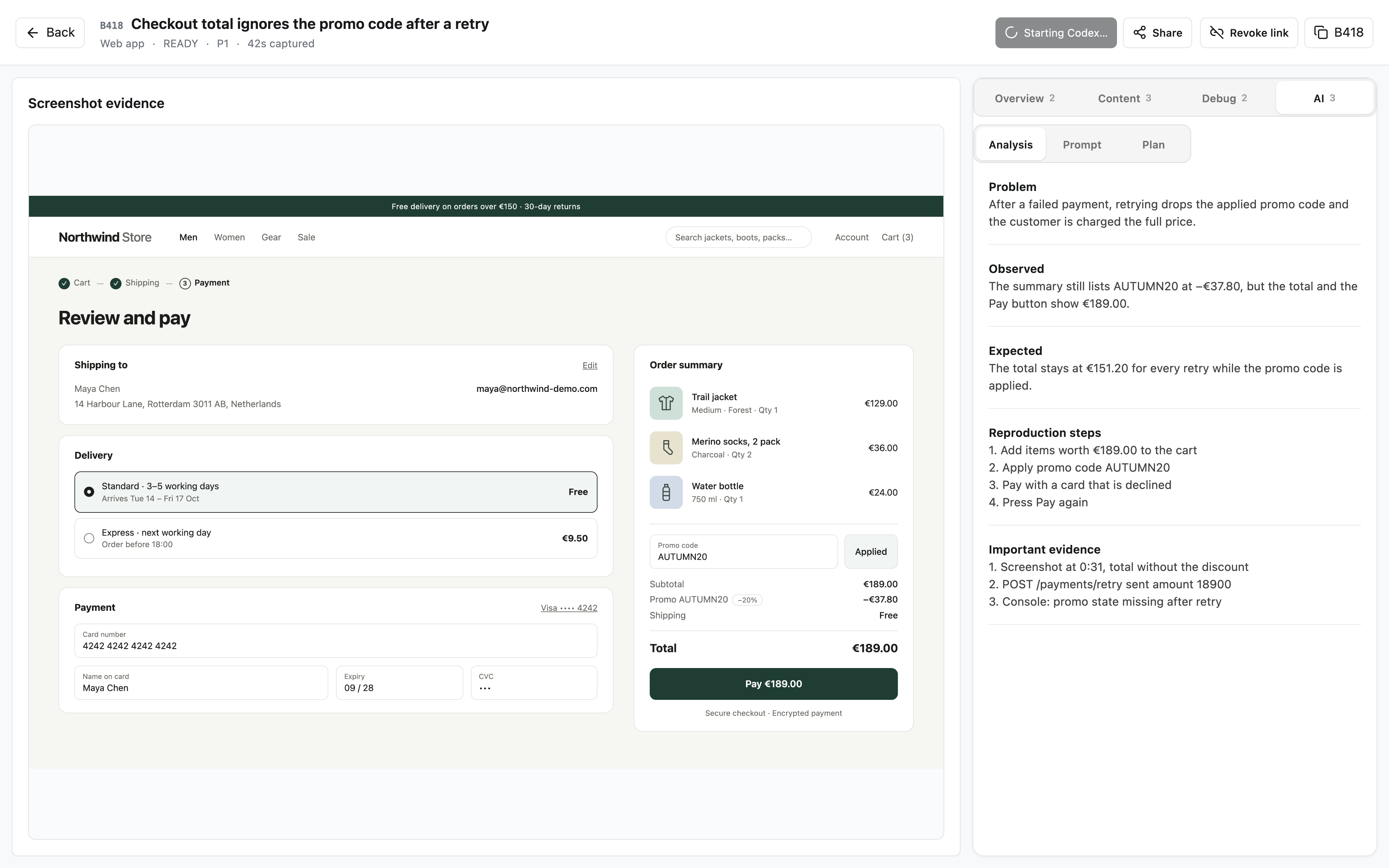
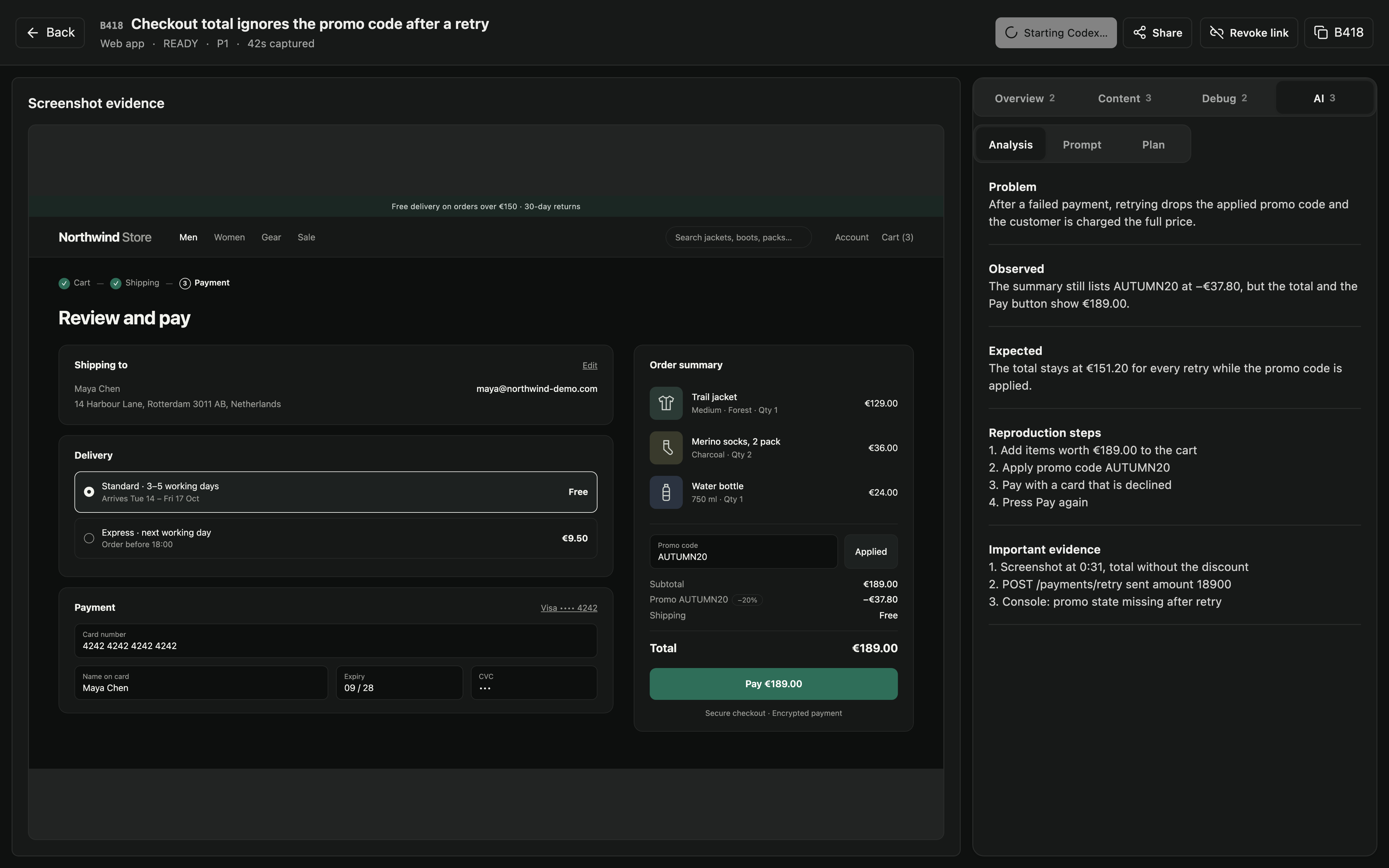

Issues rarely start as tasks.
They start as a screenshot, a recording, a comment, an idea, or someone saying “something is wrong here.” The first challenge is making that observation actionable.

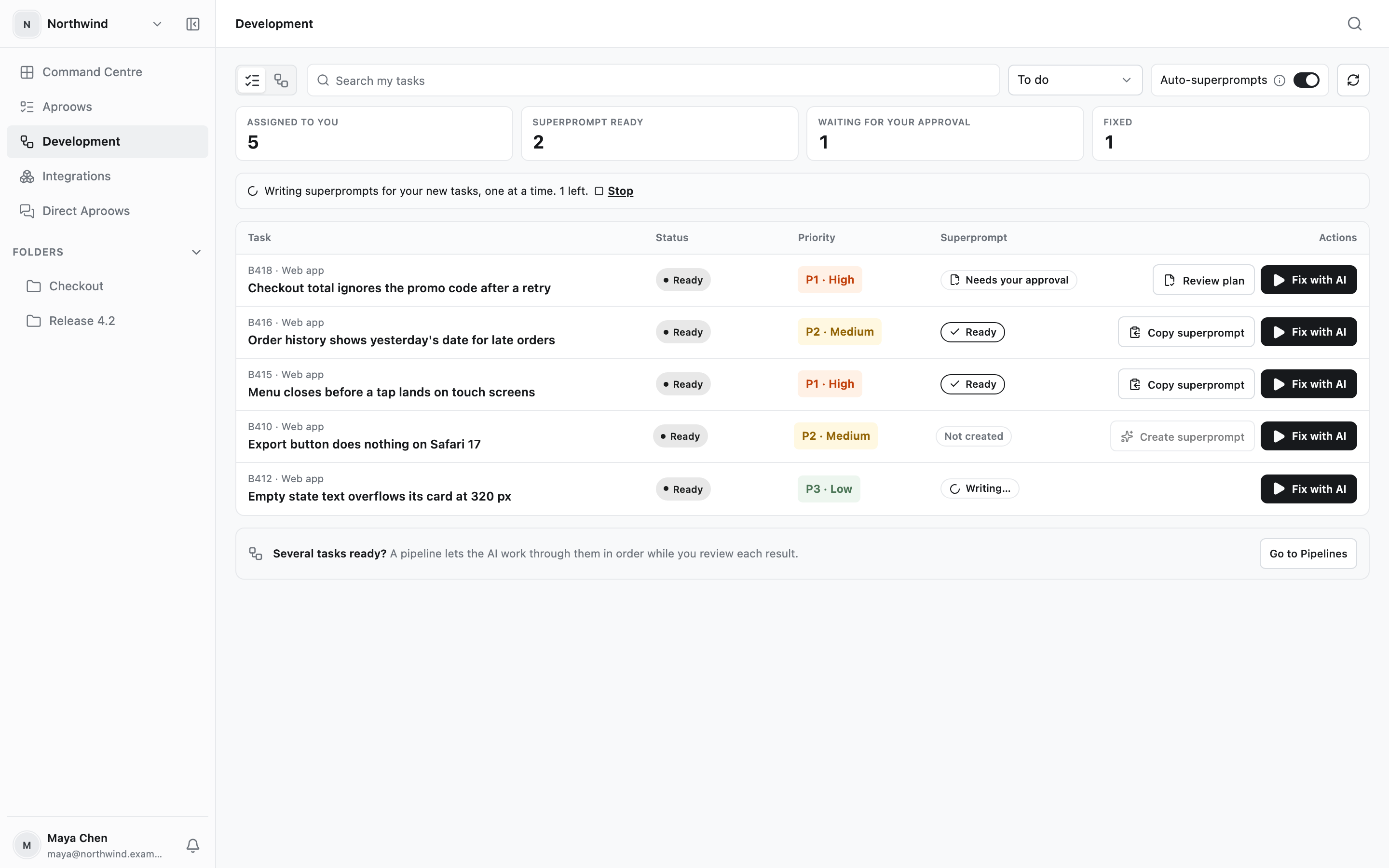
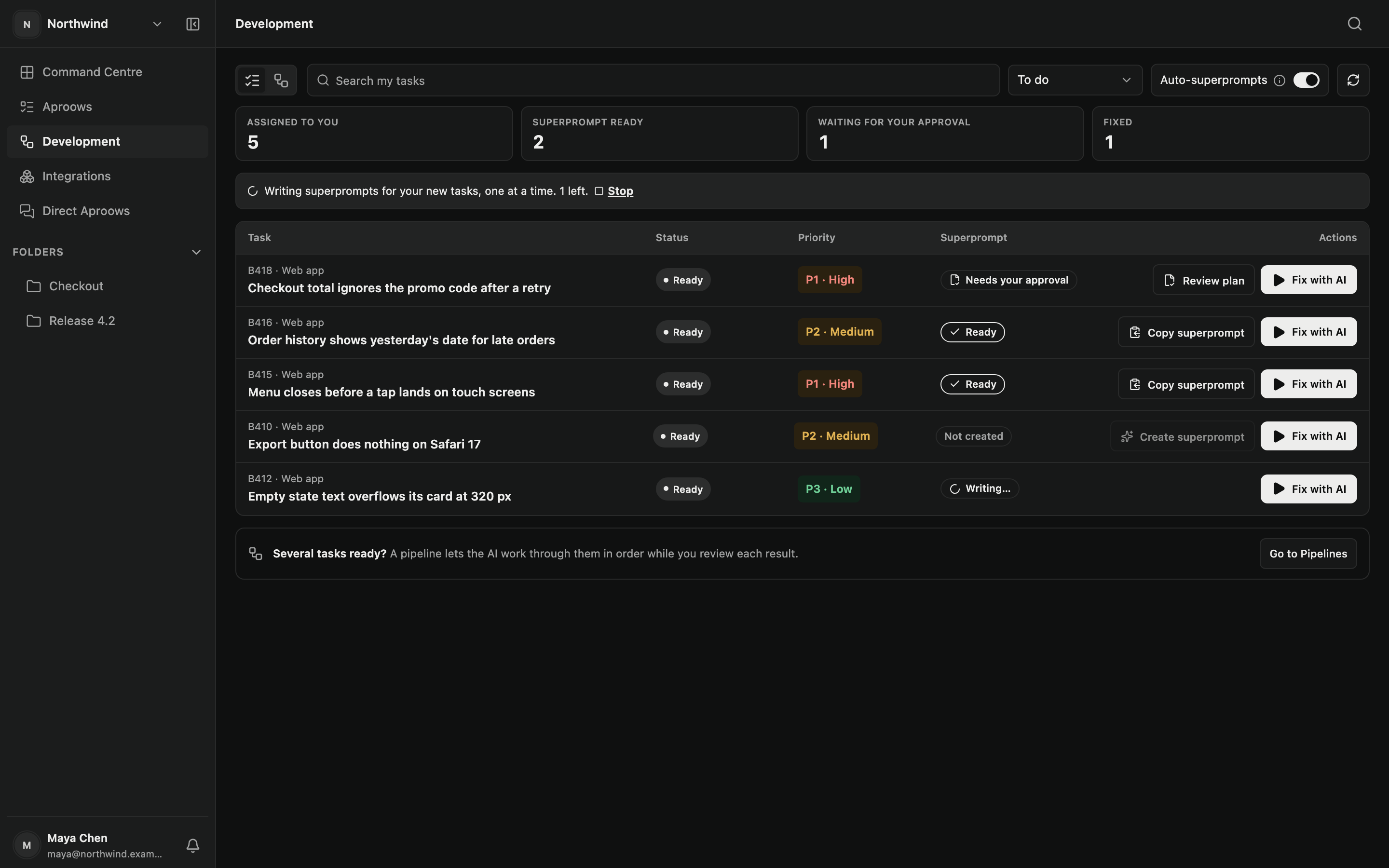
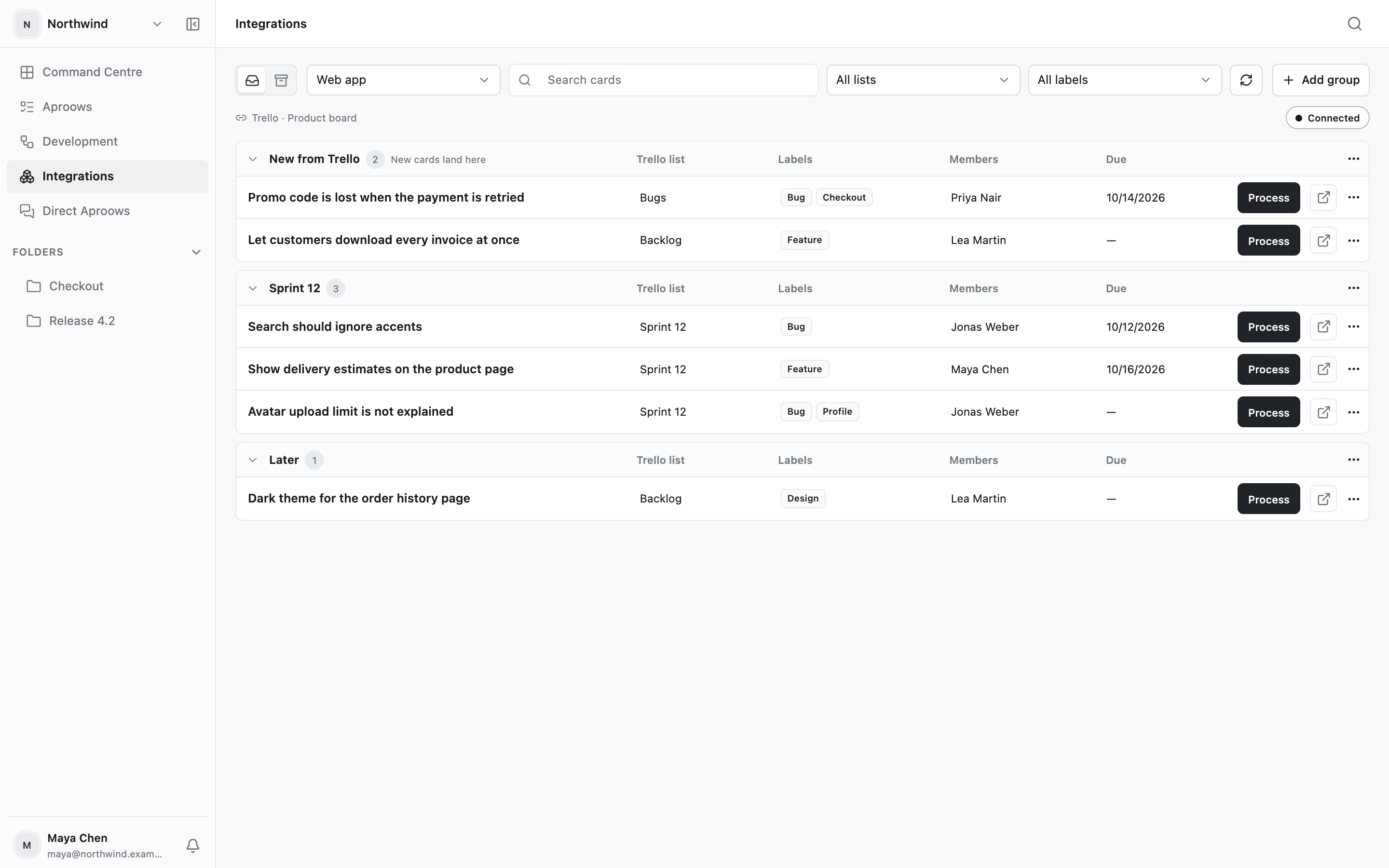
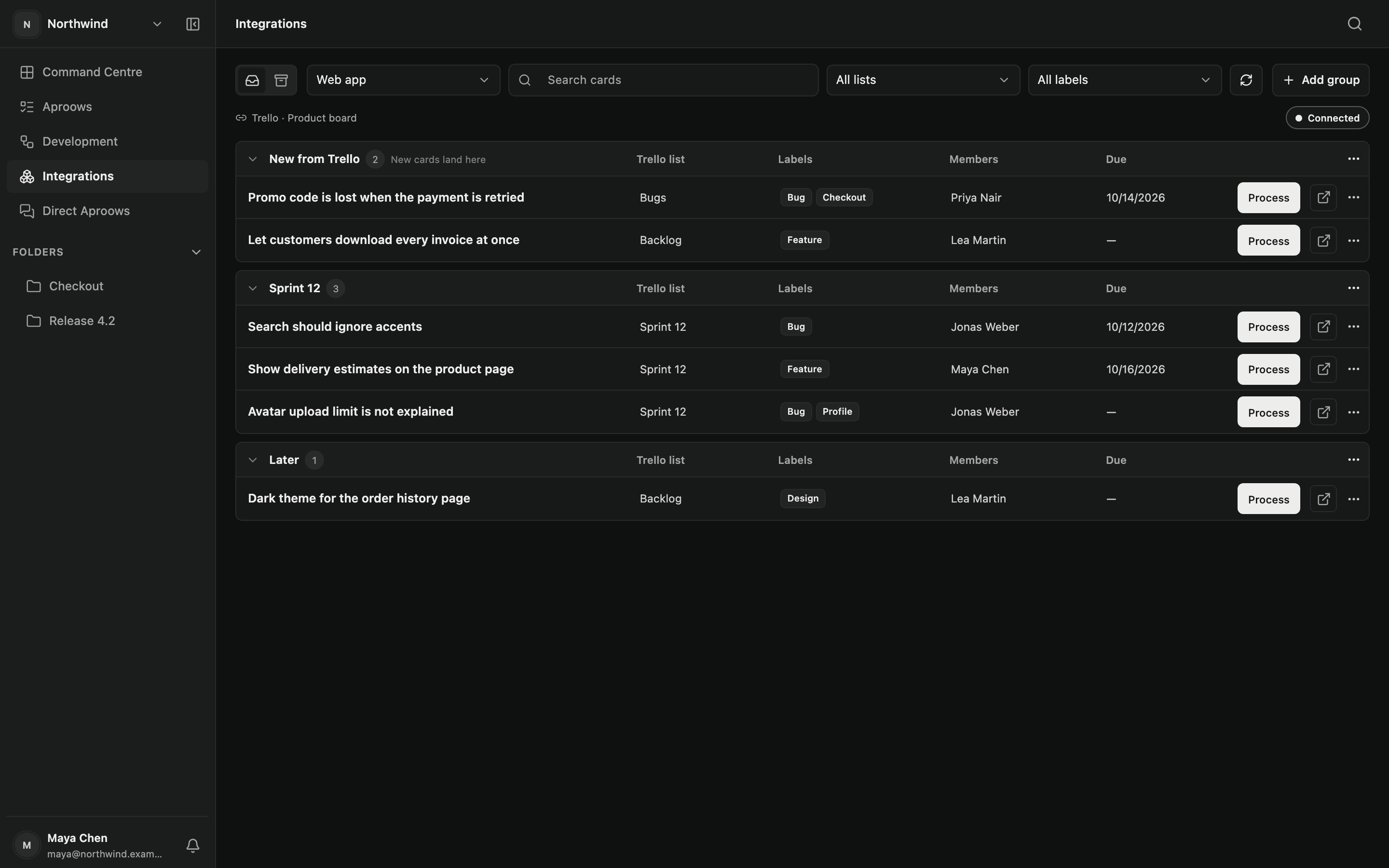
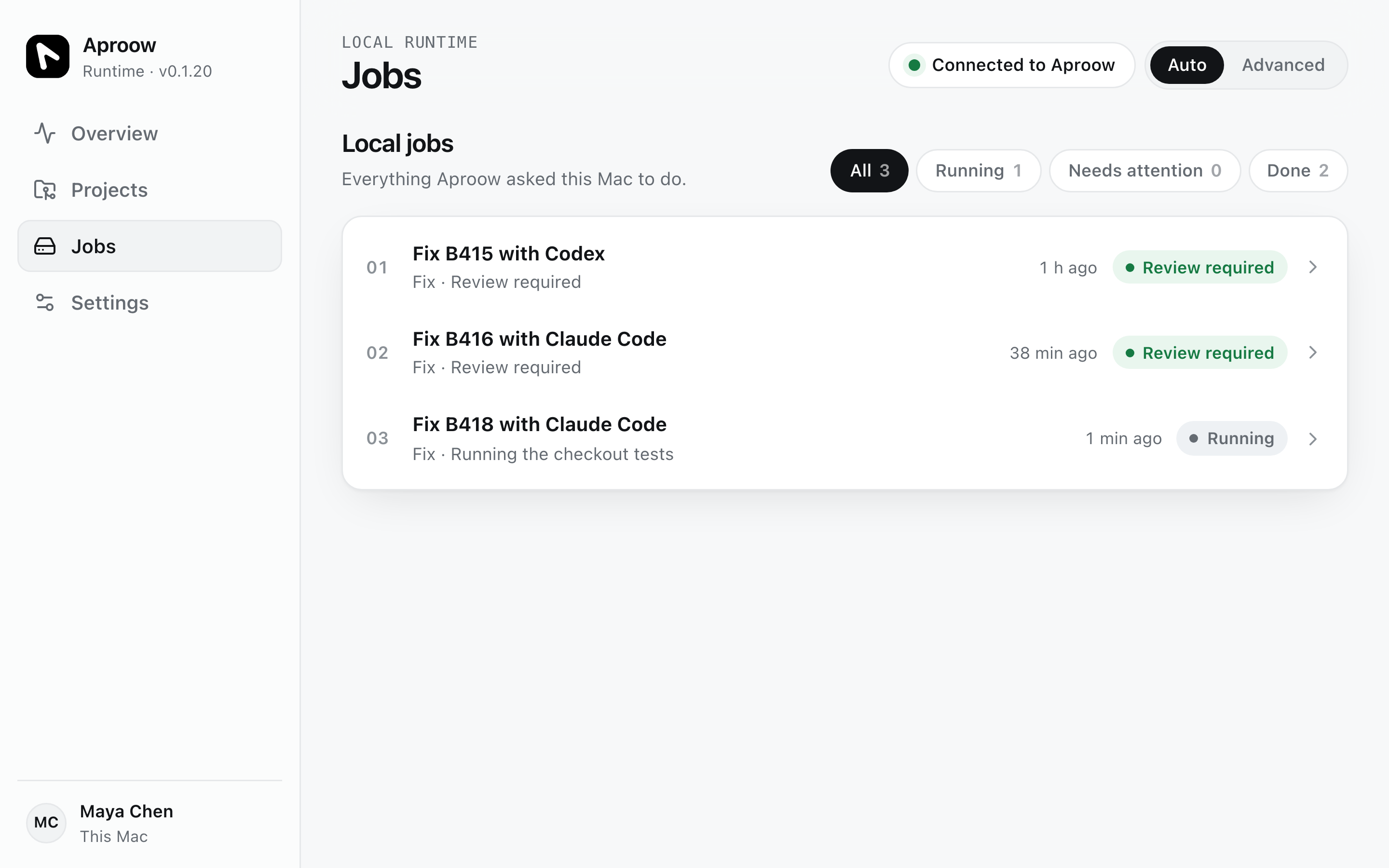
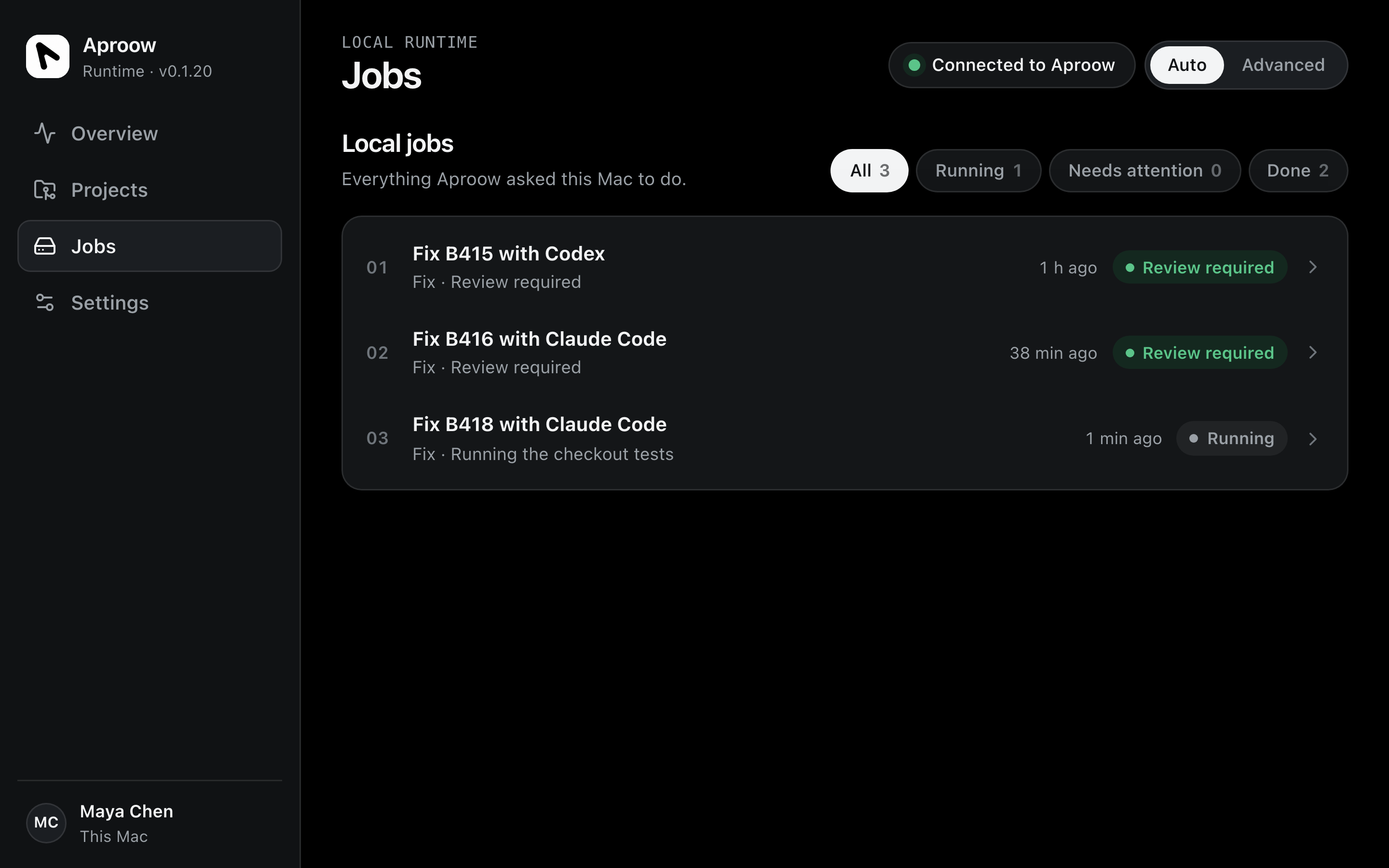
Aproow records what a tester saw, writes it up as a task a developer can act on, and hands it to the coding agent on your own machine. Your source stays out of Aproow Cloud by default.
Works with the coding agents you already use
 Claude
 Codex
Codex Gemini
 Devin
Devin Kimi
Kimi Qwen
Qwen DeepSeek
 Qoder
Qoder Aider
Aider Trae
Trae Mistral Vibe
 Antigravity
Why we built Aproow
A simple observation should become a clear, verified result. Instead it travels through missing information, disconnected tools and repeated explanations.
They start as a screenshot, a recording, a comment, an idea, or someone saying “something is wrong here.” The first challenge is making that observation actionable.
The screenshot stays in chat. Requirements move to a ticket. Decisions hide in a call. The original intent gets scattered across tools that don’t share one history.
“Which page?” “Can you send the recording?” “Who owns this?” A simple problem becomes a loop of clarification between business, QA and engineering.
Even a well-written ticket can omit reproduction steps, environment details, project rules and earlier decisions. Whoever builds the fix has to reconstruct what was never passed on.
An agent can produce a convincing patch from incomplete instructions. But the original intent, project constraints and QA criteria may live elsewhere. Good output is not a verified outcome.
A plan needs human review before execution. A merged PR still doesn’t prove the original problem is solved. Without a clear QA handback, the loop stays open.
One issue is frustrating. A backlog adds duplicates, dependencies, competing priorities and no coordinated path from ready to verified.
The product
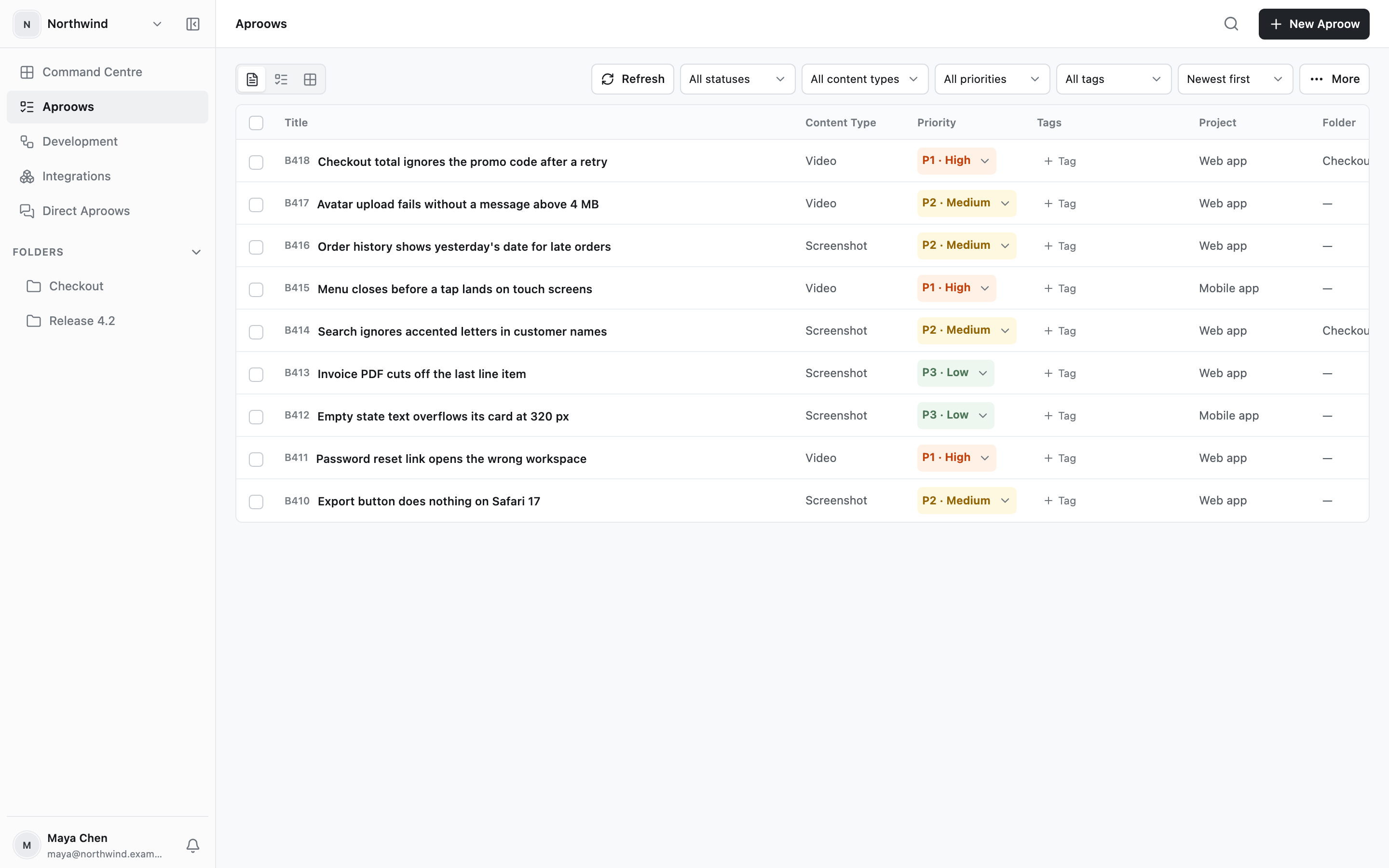
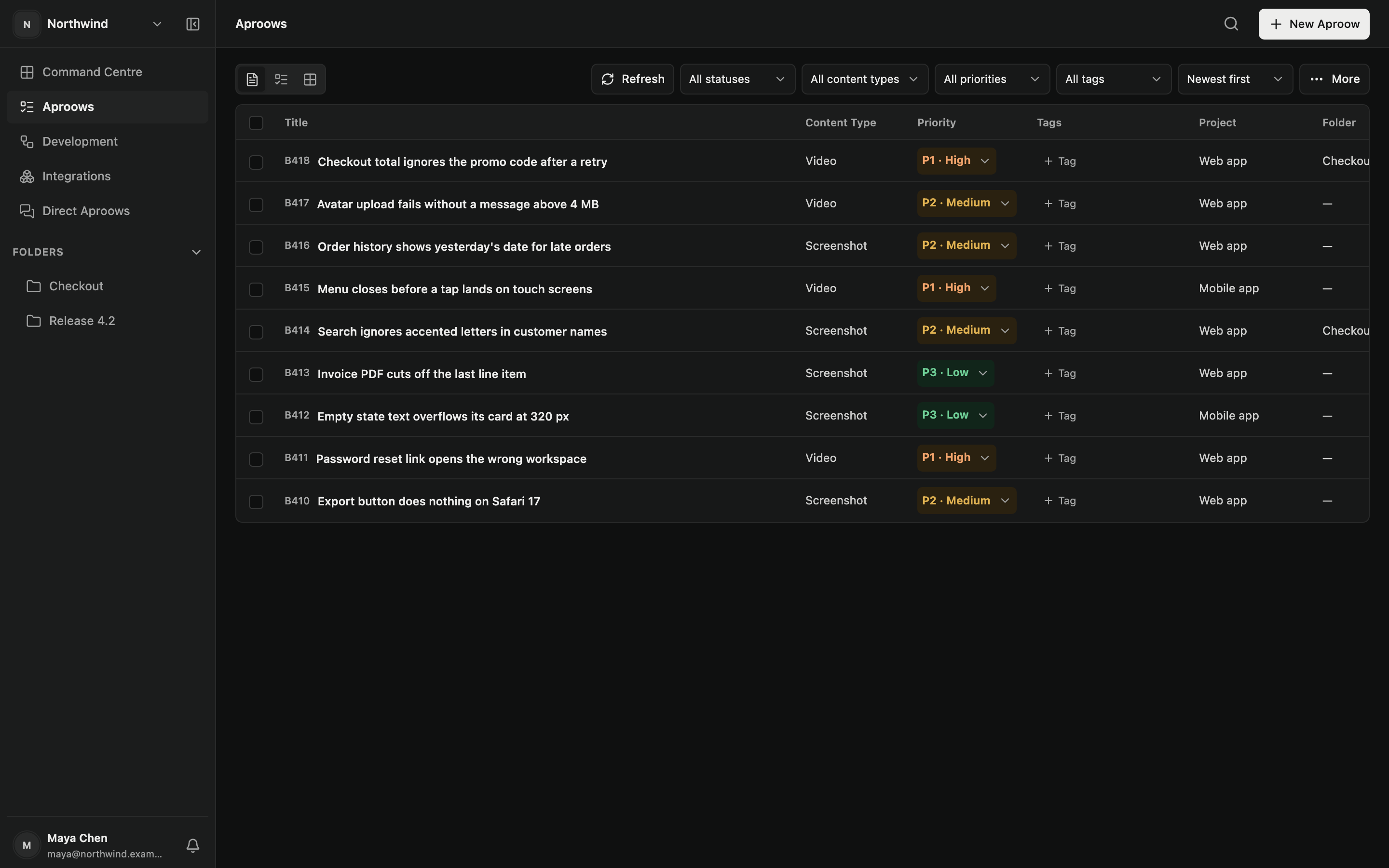
Secure architecture by default
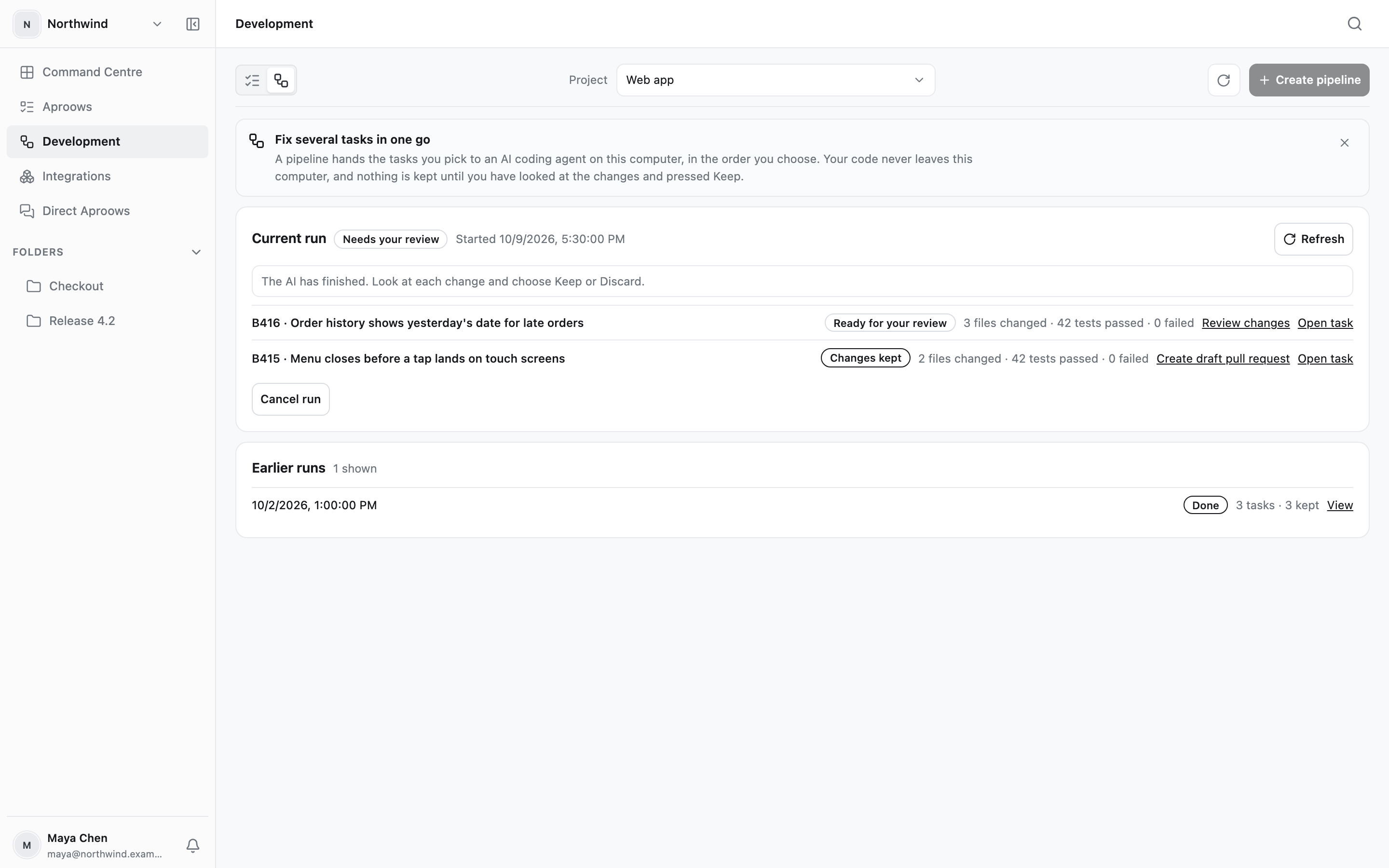
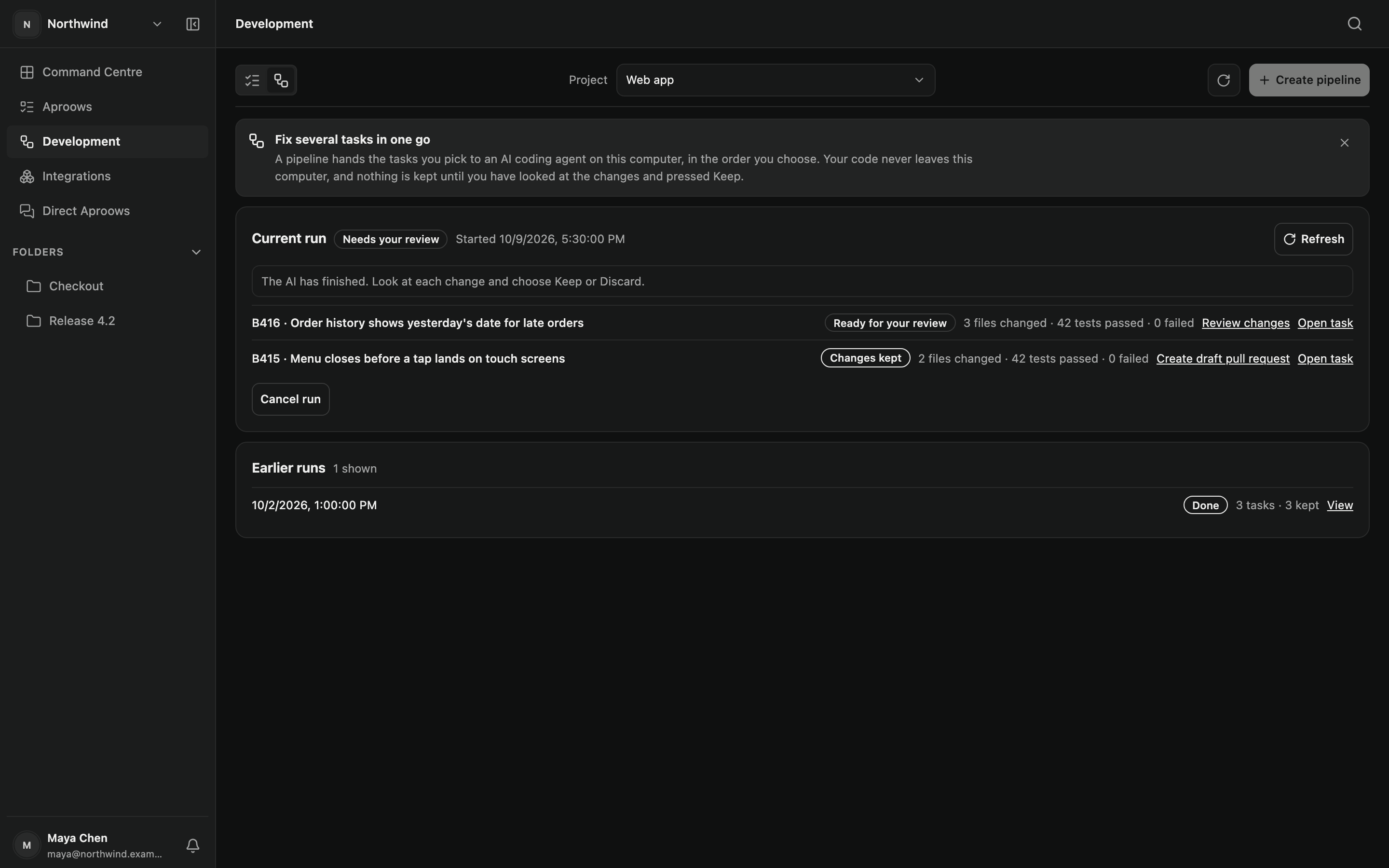
Engineers fixing bugs can choose the workflow that fits. Plan and manage multiple tasks in parallel, wherever you are.
Use your GitHub repository and your own LLM provider inside your controlled environment.
From product and design to engineering and QA, Aproow turns feedback into actionable work and keeps approvals moving.
Explore all use casesTurn user feedback into actionable product work.
Capture and share visual feedback with full context.
Turn bug reports into structured tasks with clear context.
Report and track bugs with screenshots and recordings.
See how one team reduced back-and-forth and brought clarity to every approval.
Read the full storyAproow transformed how we handle feedback. What used to take days now takes hours, and everyone has clarity on what’s approved.
Follow one image-download issue from an ordinary Slack-style message to a structured Aproow, a human-reviewed plan, controlled execution and QA. Scroll to transform the same original request.
One observation is easy to send, but hard to carry through a product workflow.
Maya Today at 10:24
Users can’t download the image. The download button doesn’t work on mobile.
AP-108 Bug / Image download / Mobile
Maya · #product-feedback · 10:24Users can’t download the image. The download button doesn’t work on mobile.
Approve the proposed plan first, then explicitly submit the approved version for a demonstration run.
Locked until a human approves the plan.
The original AP-108 is one of many work items. Only explicitly approved, unblocked plans can enter this demo pipeline.
AP-111 (unapproved) and AP-112 (blocked) are excluded. AP-108 is not rerun.
AP-108 Bug / Mobile
Original request, evidence and decisions stay connected through execution and QA.
Demo · scrolling only reveals the story
Illustrative UX, not a recording of an existing integration. Screenshot, transcription, diagnostics, repository context, AI-ready output, implementation and tests require corresponding inputs and permissions. This demonstration never connects to AI or changes code.
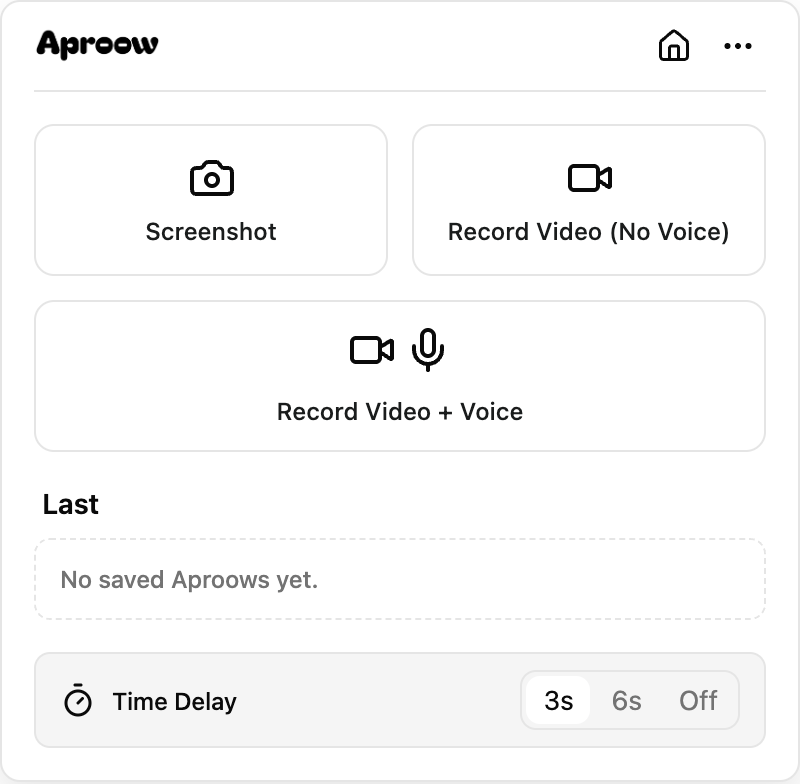
Capture evidence in the browser, with context where supported.
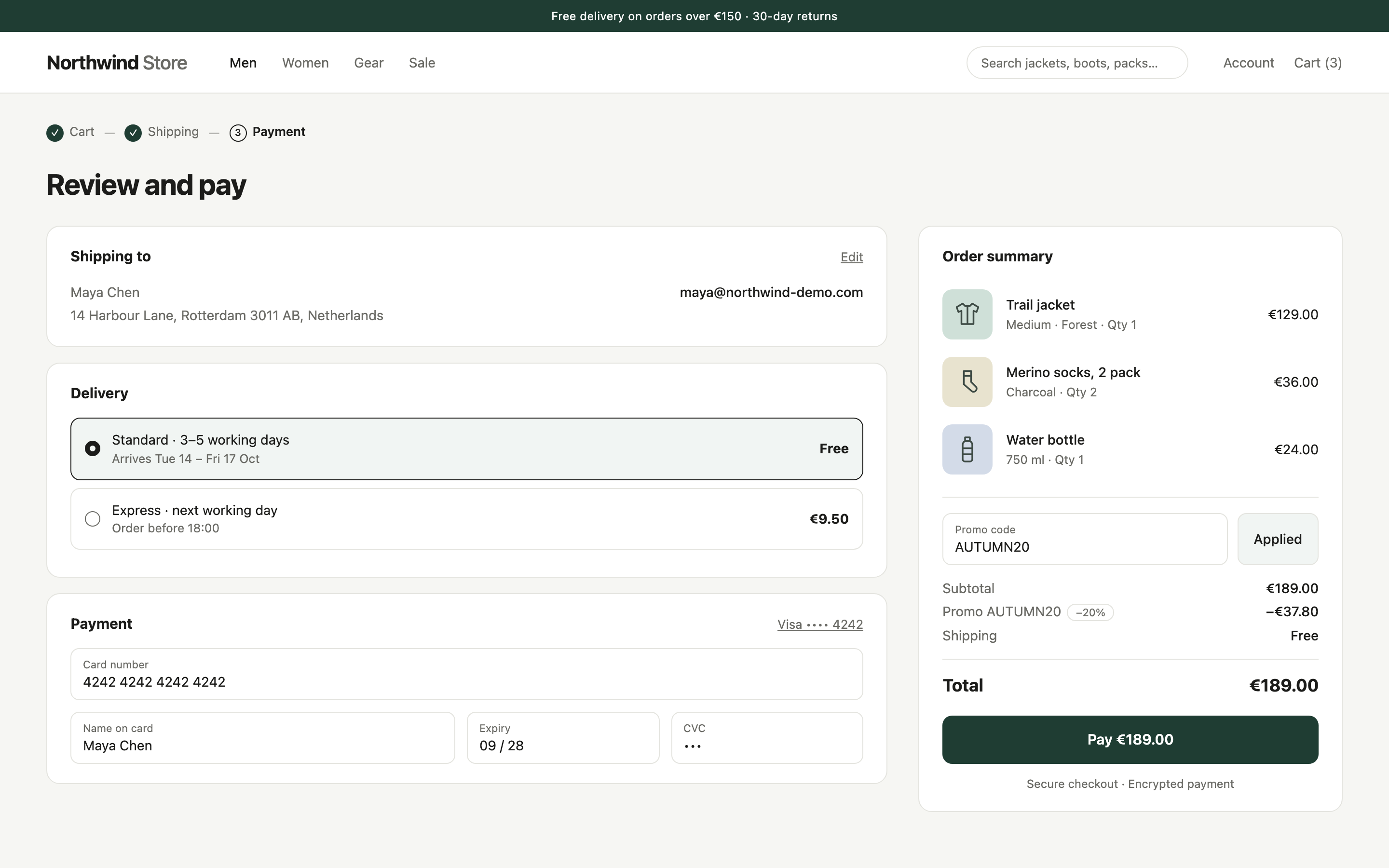
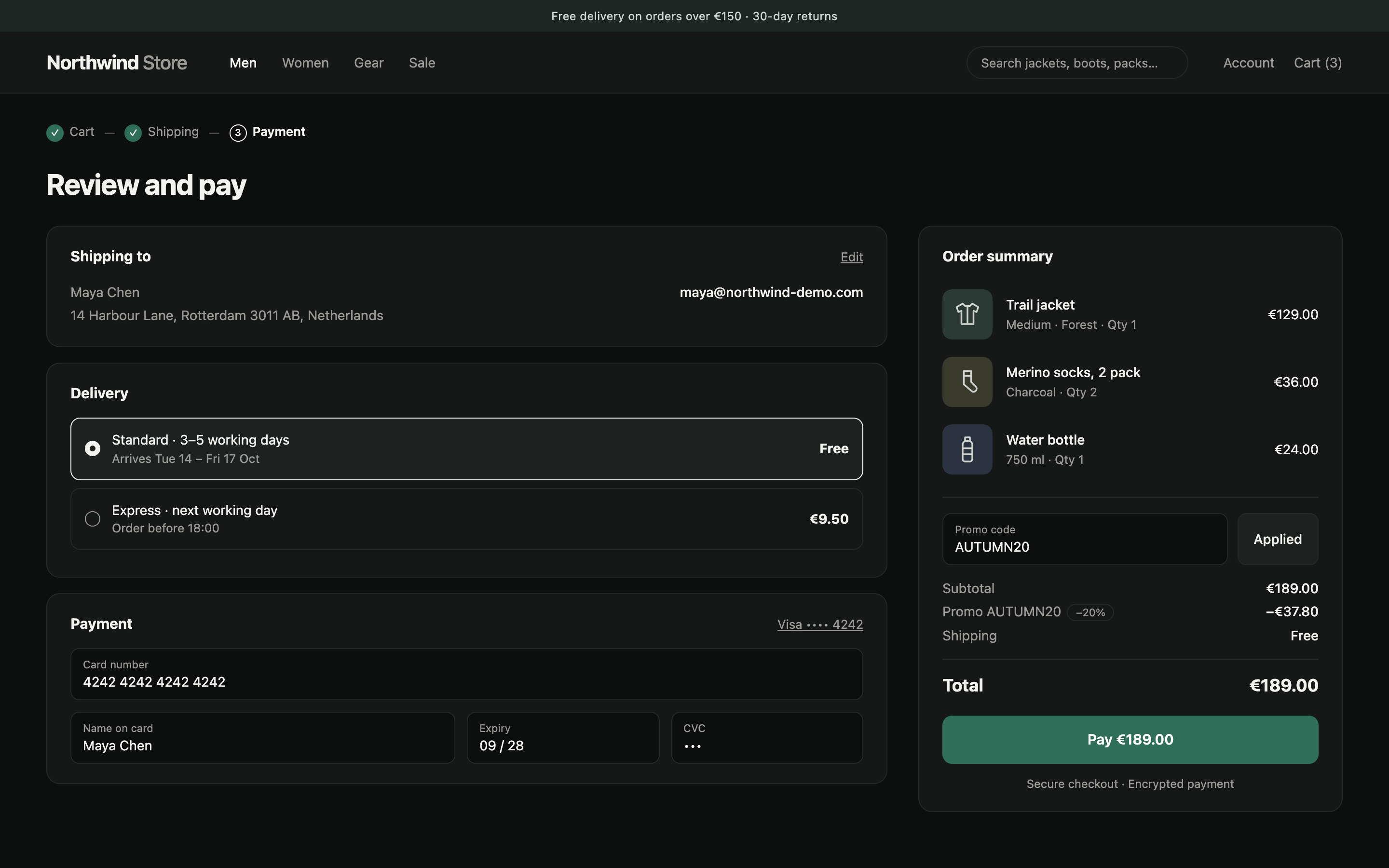
Join small teams, founders and builders who use Aproow to keep their product moving.
Start free